
StorageKit: Local Storage & Cookie Editor
Browser storage, without opening DevTools

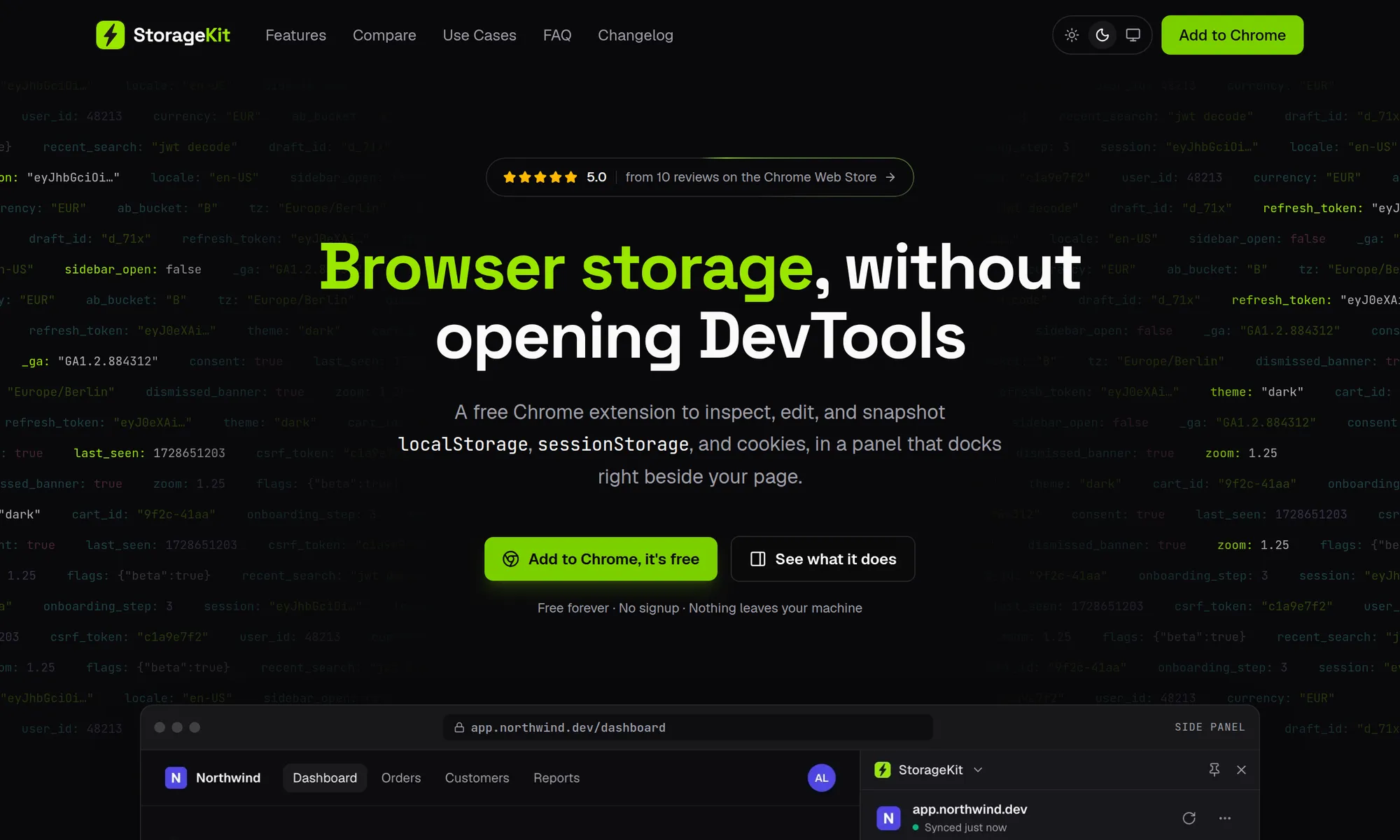
StorageKit is a free Chrome extension to view and edit local storage, session storage, and cookies without digging through the DevTools Application panel. Open it from the toolbar for a quick look, or dock it in the side panel to keep it beside your page while you work.
ALL YOUR STORAGE IN ONE LIST
- localStorage, sessionStorage, and cookies for the current site, grouped with item counts and sizes
- Search keys and values across all three. Press / to jump to search
- Filter by storage type and sort by page order, name, or size
- Smart previews: flip true/false flags in place, and see JWT time left, JSON key counts, and relative timestamps at a glance
EDIT AND DECODE ANY VALUE
- JSON editor: edit nested JSON as a tree, with each change shown next to its old value before you save
- JWT decoder: Valid, Expiring soon, or Expired at a glance, with the payload, header, and a live countdown to expiry
- Automatic decoding for Base64, URL-encoded values, and timestamps
- Cookie editor: add cookies with a custom domain, path, expiry, SameSite, Secure, and HttpOnly, edit their values, and delete them
- Cookie attributes explained in plain language, with a warning for cookies sent without Secure on HTTPS sites
- Copy a value as a setItem() call, a document.cookie line, a cURL command, or an Authorization: Bearer header
- Add, rename, and delete keys, or clear a whole storage type
- Step through keys with J and K
SNAPSHOTS: SAVE AND RESTORE STORAGE
- Capture a site's local storage, session storage, and cookies in one click
- Compare a snapshot with the live page to see exactly which keys changed
- Restore it to get back to a known state, like a logged-in user or a set of feature flags
- Export snapshots as JSON to move them to another machine or share them with your team
PRIVATE BY DESIGN
- Nothing StorageKit reads ever leaves your browser
- No analytics, no tracking, no account
- Free, with no paid tier